Planning & automation
AI control
Review the product-level controller for campaigns whose names end in J-control.
How to use this page
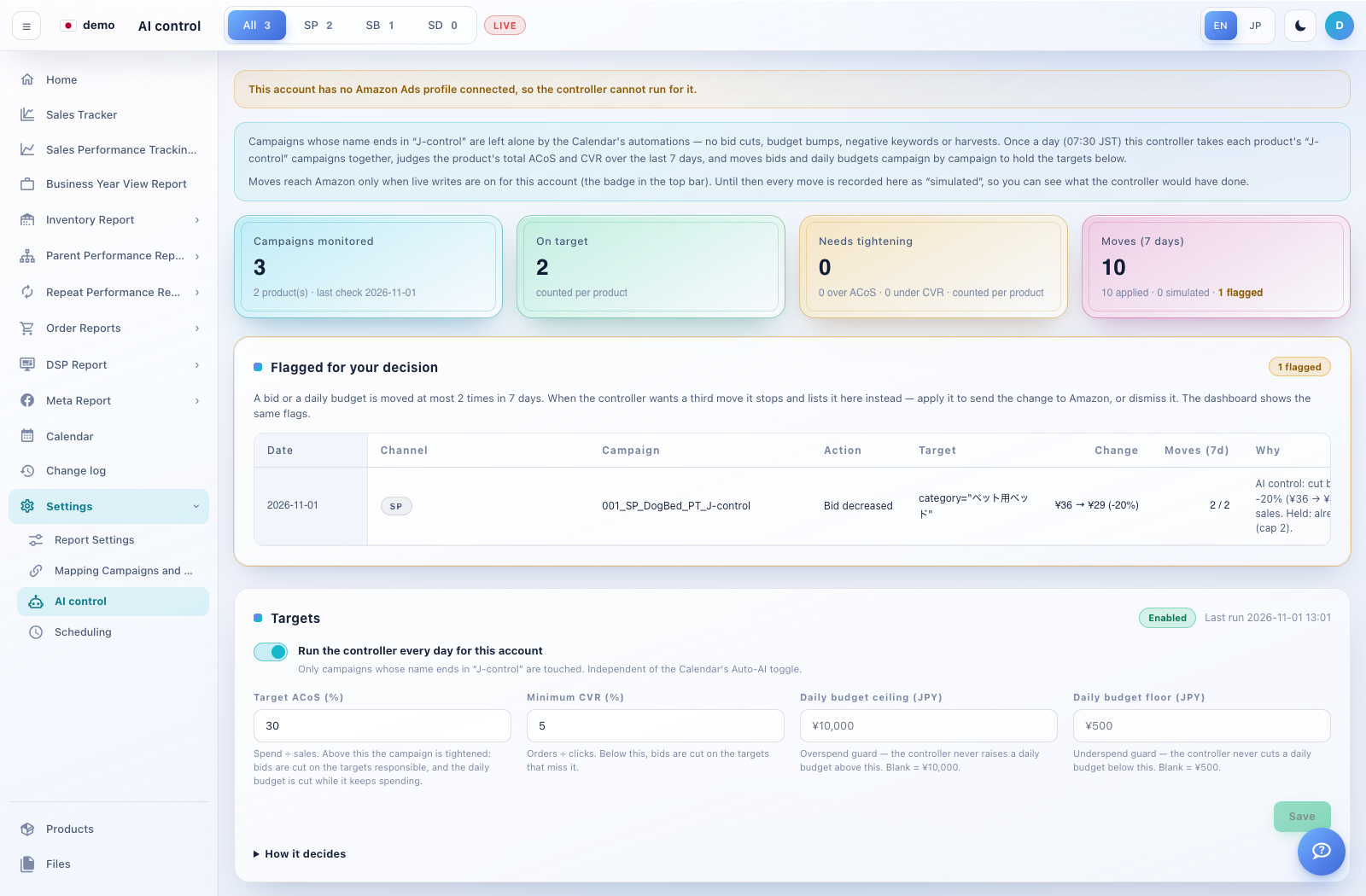
Expand Settings → AI control. Read the live/simulated status and any connection warning at the top.
Review the monitored campaigns, product-level verdicts and seven-day moves. The page explains how J-control campaigns are handled separately from Calendar automations.
Inspect Flagged for your decision. Check the campaign, target, before/after values, move count and reason before using Apply on Amazon or Dismiss.
In Targets, review target ACoS, minimum CVR and daily budget floor/ceiling. Save only when you intend to update the controller’s settings.