Inventory
Warehouse stock and transfers
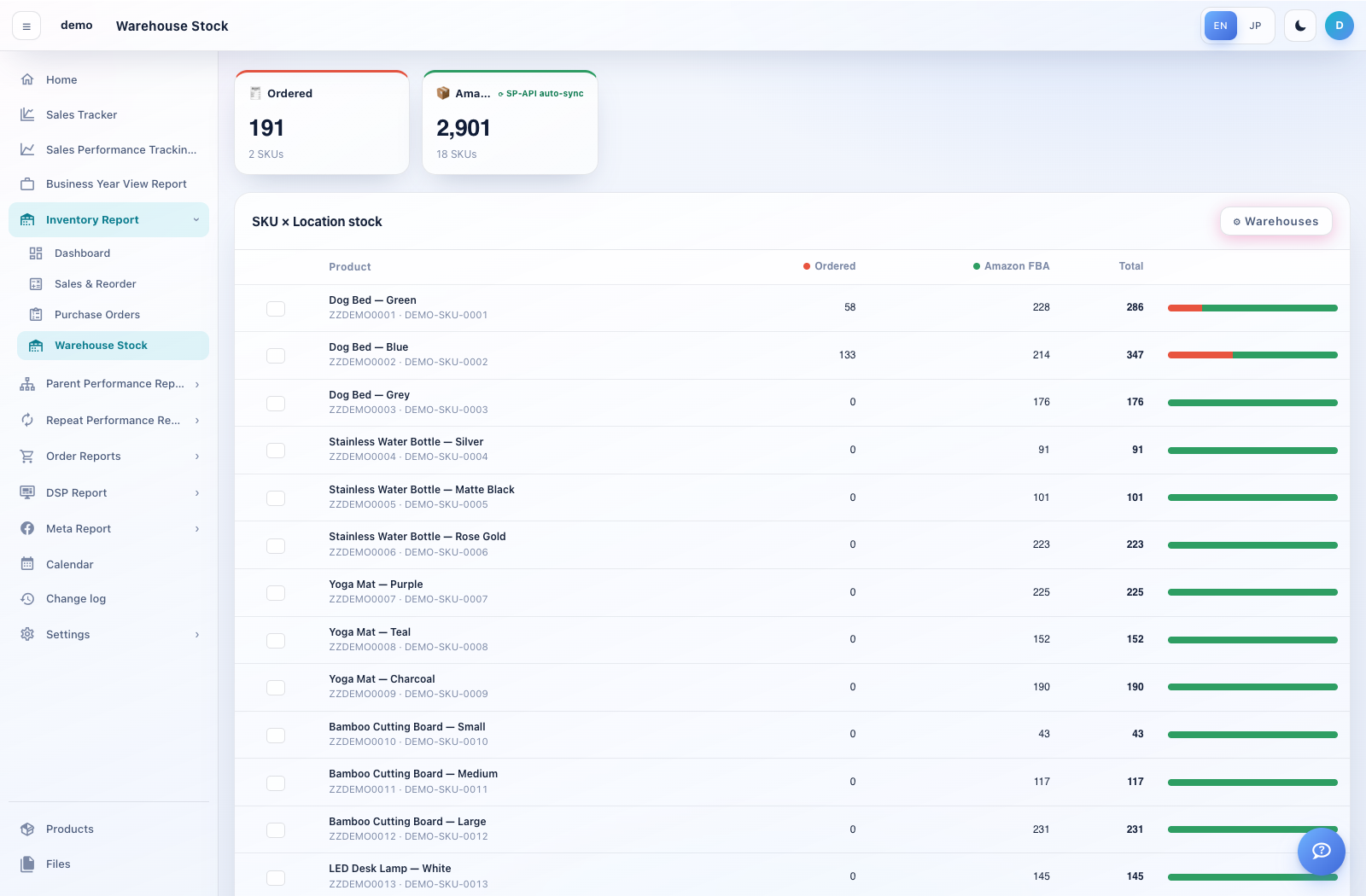
Warehouse Stock shows a SKU-by-location inventory matrix.
How to use this page
Open Inventory Report → Warehouse Stock and review stock by SKU and location.
Use Warehouses to add or maintain supported locations. Fixed system locations cannot be deleted; locations with stock cannot be deleted.
Select products, choose Enter quantities & move stock, and set the source and destination.
Enter quantities, confirm that they do not exceed available stock, then choose Move when ready.
Review the updated balances. For Amazon FBA, arrival quantities follow the SP-API stock synchronisation described on the screen.