Start here
Export and share a report
Export controls vary by report. Use the PDF, Excel or Download XLSX button shown on the current screen.
How to use this page
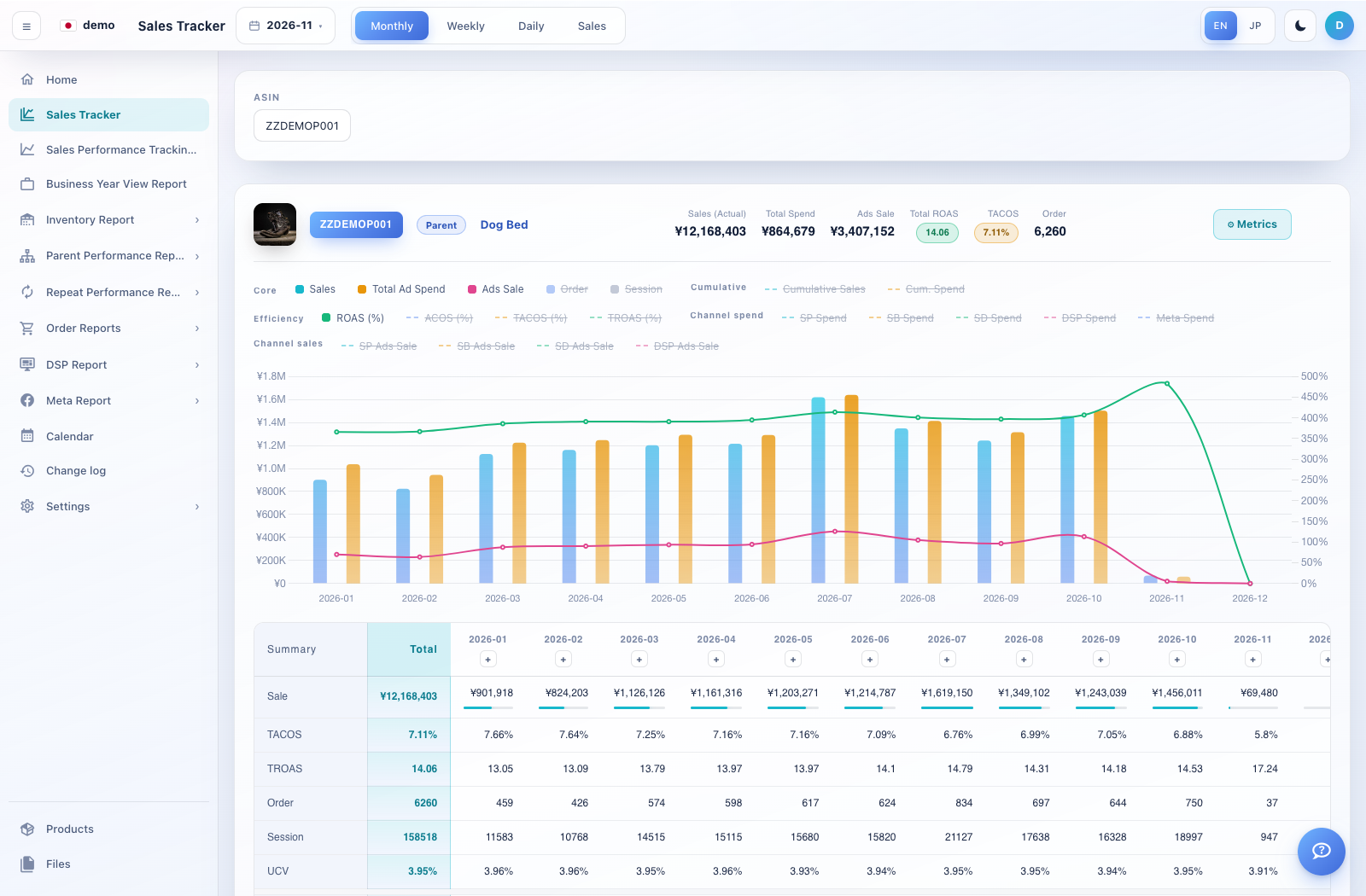
Set the company, product, period and filters before exporting. Check the report title and visible totals.
Select the report’s PDF or spreadsheet control. A print preview may open before the download.
If a print dialog opens, choose Save as PDF and review paper orientation, scaling and page breaks.
Open the downloaded file and verify that the dates, product selection, tables and chart labels are present. Include the period and product scope in the file name before sharing.