Inventory
Sales & Reorder: calculate an order
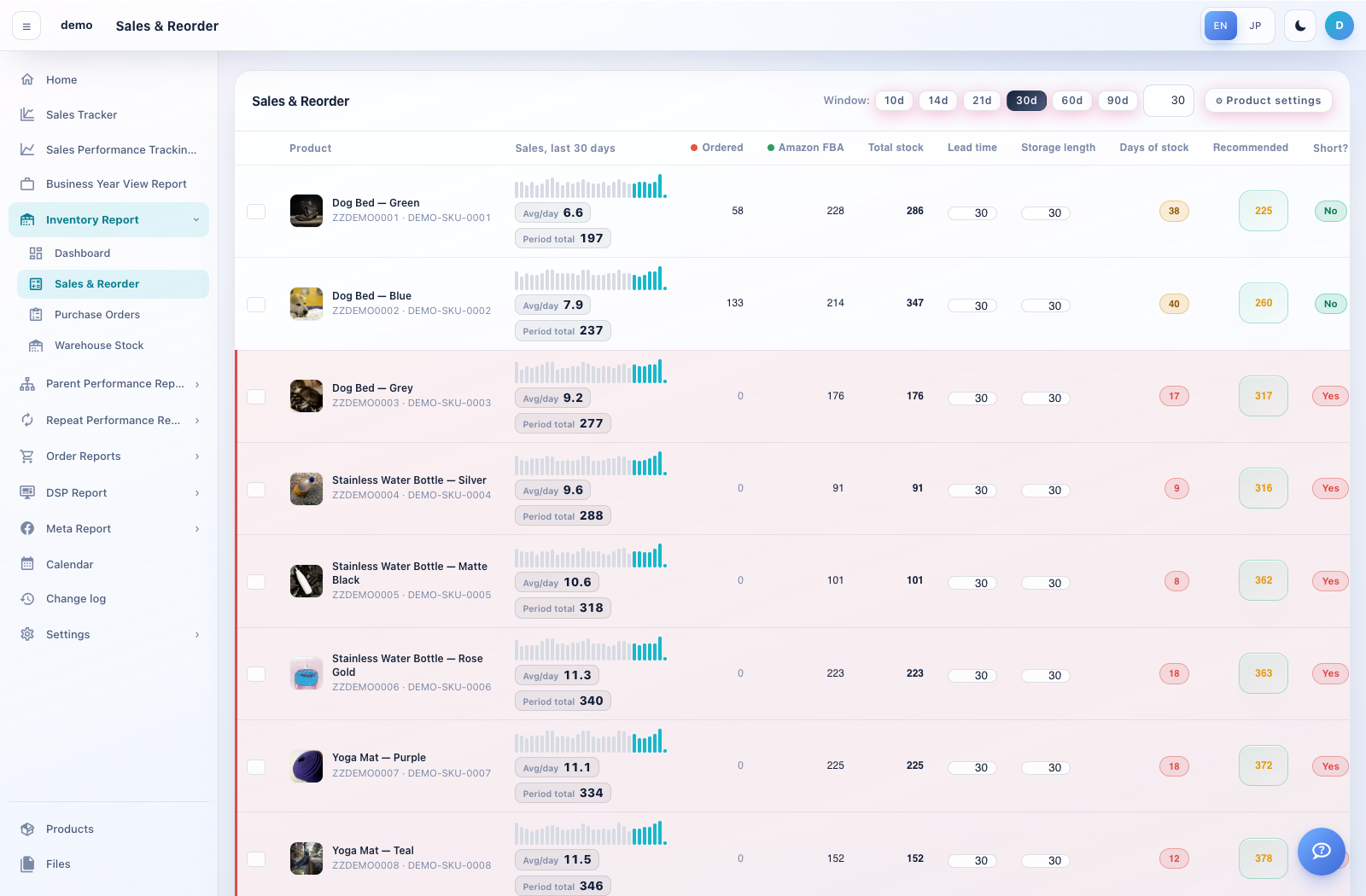
This screen explains the sales rate, lead time and replenishment quantity for each SKU.
How to use this page
Open Inventory Report → Sales & Reorder. Choose the sales-history window and review the product rows.
Check Avg/day, seasonal factor where shown, lead time, storage length, current stock, days of stock and recommended quantity.
Open Calc for a product to inspect the calculation steps. Product settings lets you maintain supported fields and per-product values; use CSV import/export where offered.
Select the products to order and choose Create a purchase order from selected. Review the supplier, destination, quantity and unit price before creating the order.