DSP, AMC & Meta
Meta campaigns and creatives
Meta Report provides campaign and creative reporting alongside Amazon reporting.
How to use this page
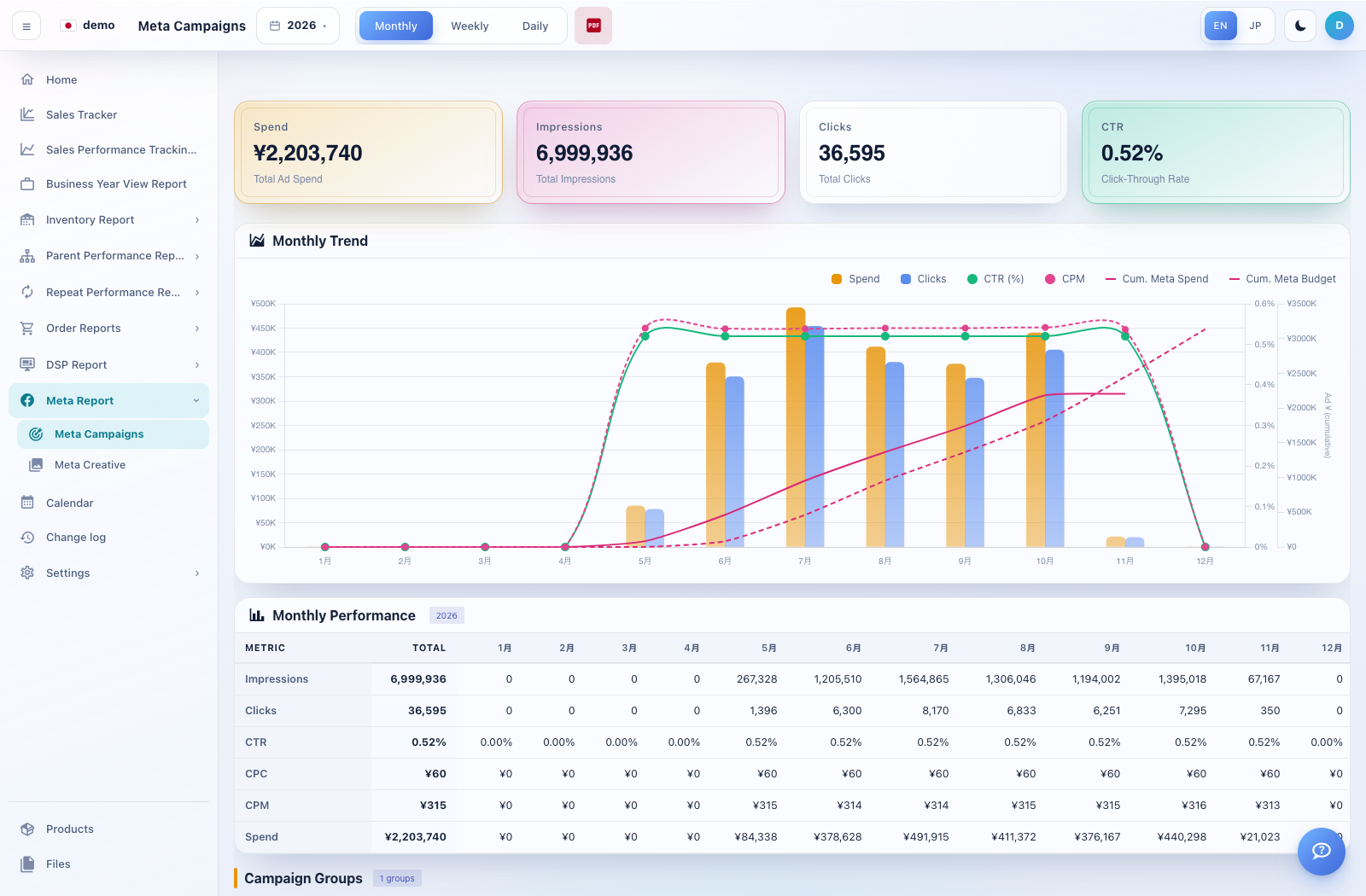
Expand Meta Report → Meta Campaigns. Select the available period view and dates.
Review spend, impressions, reach, clicks, conversions, conversion value and ROAS where supplied by the report.
Open Meta Creative to compare performance at the creative level. Use the image and creative identifiers to check which asset you are reviewing.
Where a Creative Assets dialog is offered, review or maintain the creative-to-image mapping. Use PDF or spreadsheet export only where the corresponding control is shown.