DSP, AMC & Meta
DSP sites
Compare DSP delivery and outcomes by site or app.
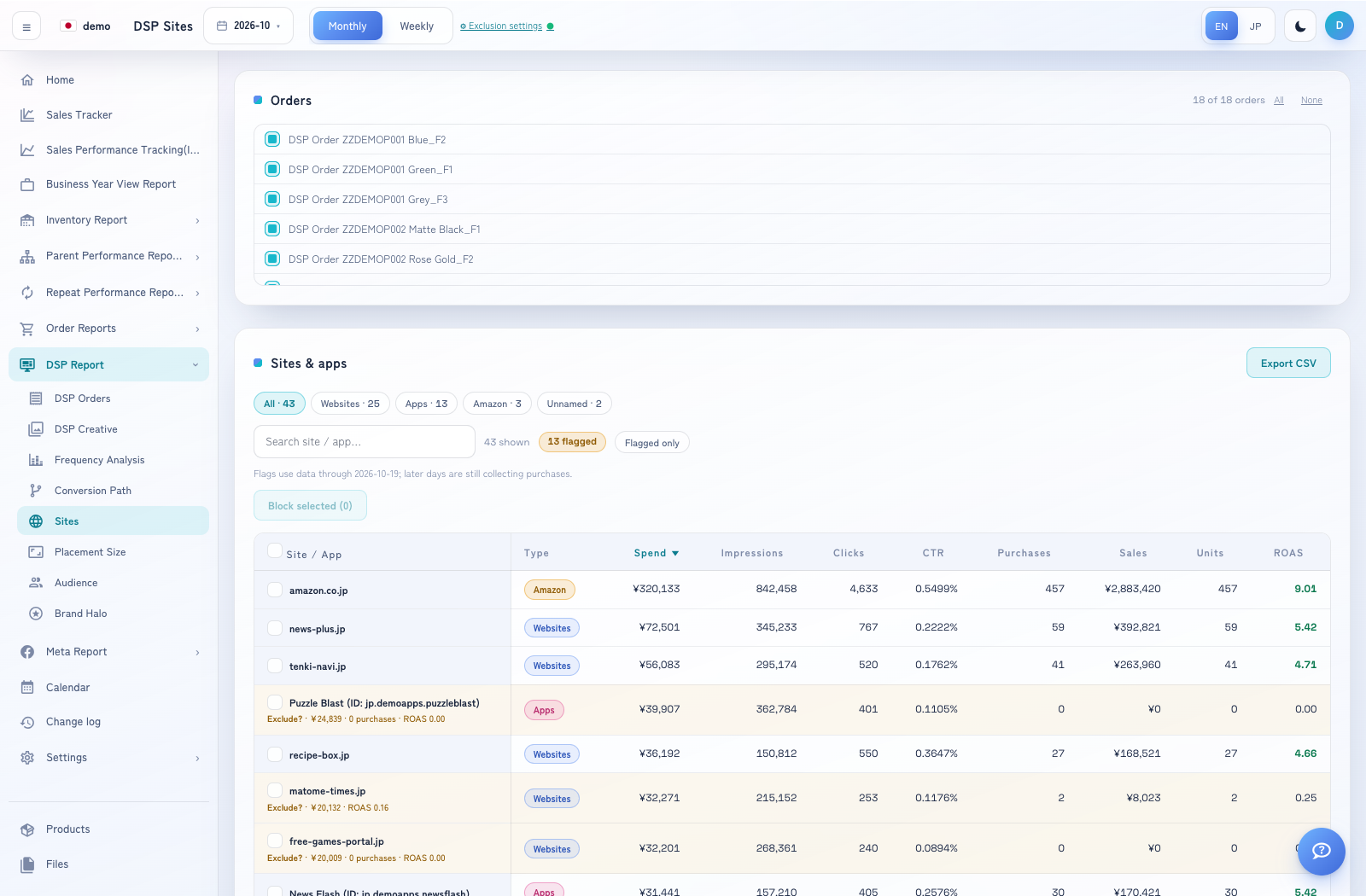
How to use this page
Expand DSP Report → Sites.
Select Monthly or Weekly, then choose the period.
Use the order and other filters shown to focus the report. Compare the table’s site/app metrics for the same selection.
Sort columns or use the export control offered by the page. Verify that the date and selected orders match the DSP Orders report.