Start here: sign in and navigate
Amzsol brings sales, advertising, customer and inventory reporting into one workspace. Open https://ads.j-wire.tech and use the login provided by your administrator. The examples in this guide use the demo company and synthetic data.
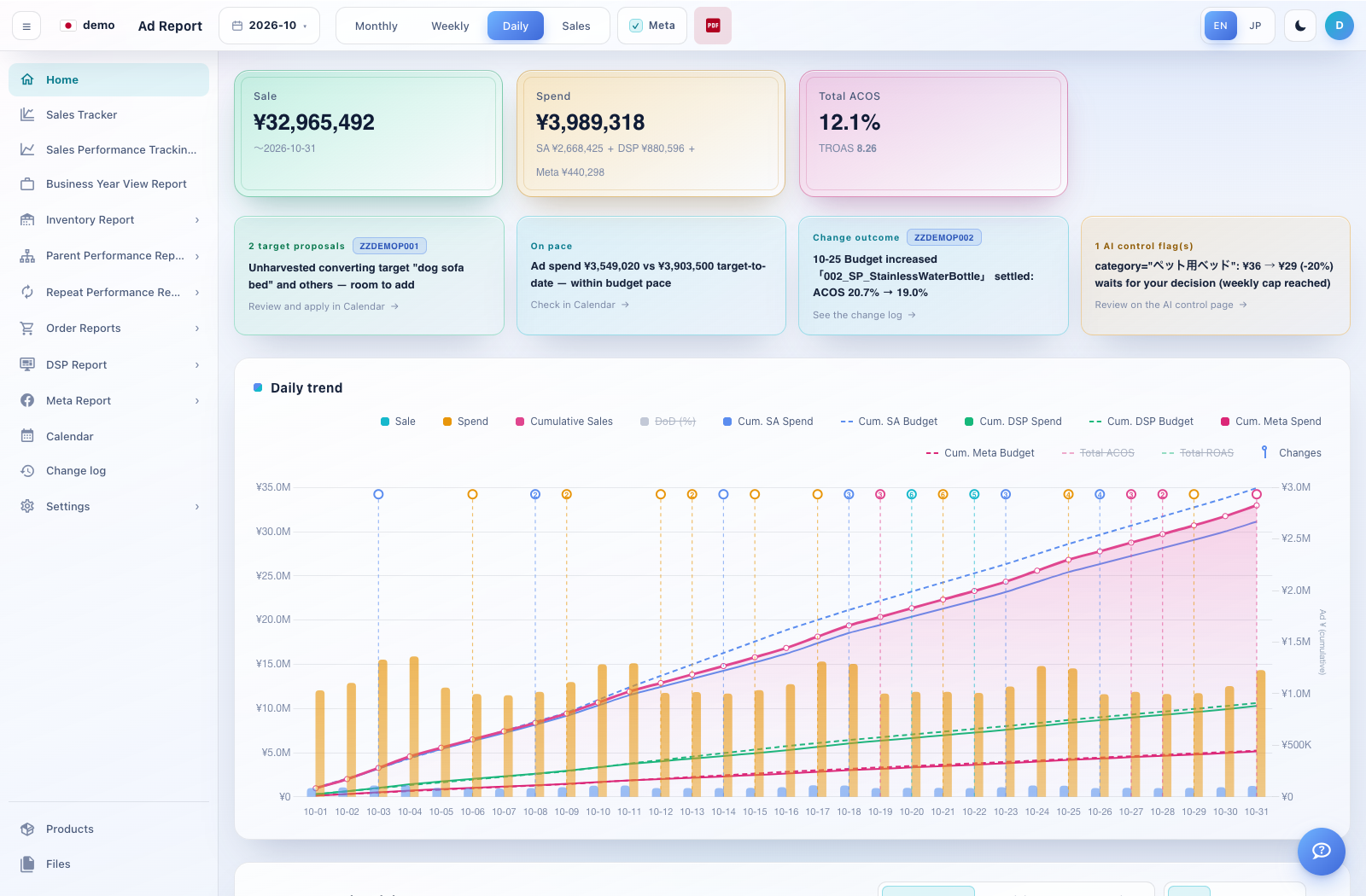
How to use this page
Enter your email and password in the login fields and select Log in. If you cannot sign in, ask your administrator to confirm your account details.
Check the company name at the top left. A company member normally sees their assigned company. Menu visibility depends on your access.
Use the left navigation to open reports. Click a group with › to reveal its pages. The ☰ button collapses or expands the navigation.
Use EN or JP at the top right to change language. The moon/sun button changes the display theme. Use the avatar menu to log out.
For a first walkthrough: Home → Sales Tracker → Business Year View Report → Inventory Report. Use October 2026 for a completed demo month.