Planning & automation
Campaign scheduling
Review weekly campaign status scheduling and the SP cap automation controls offered by the account.
How to use this page
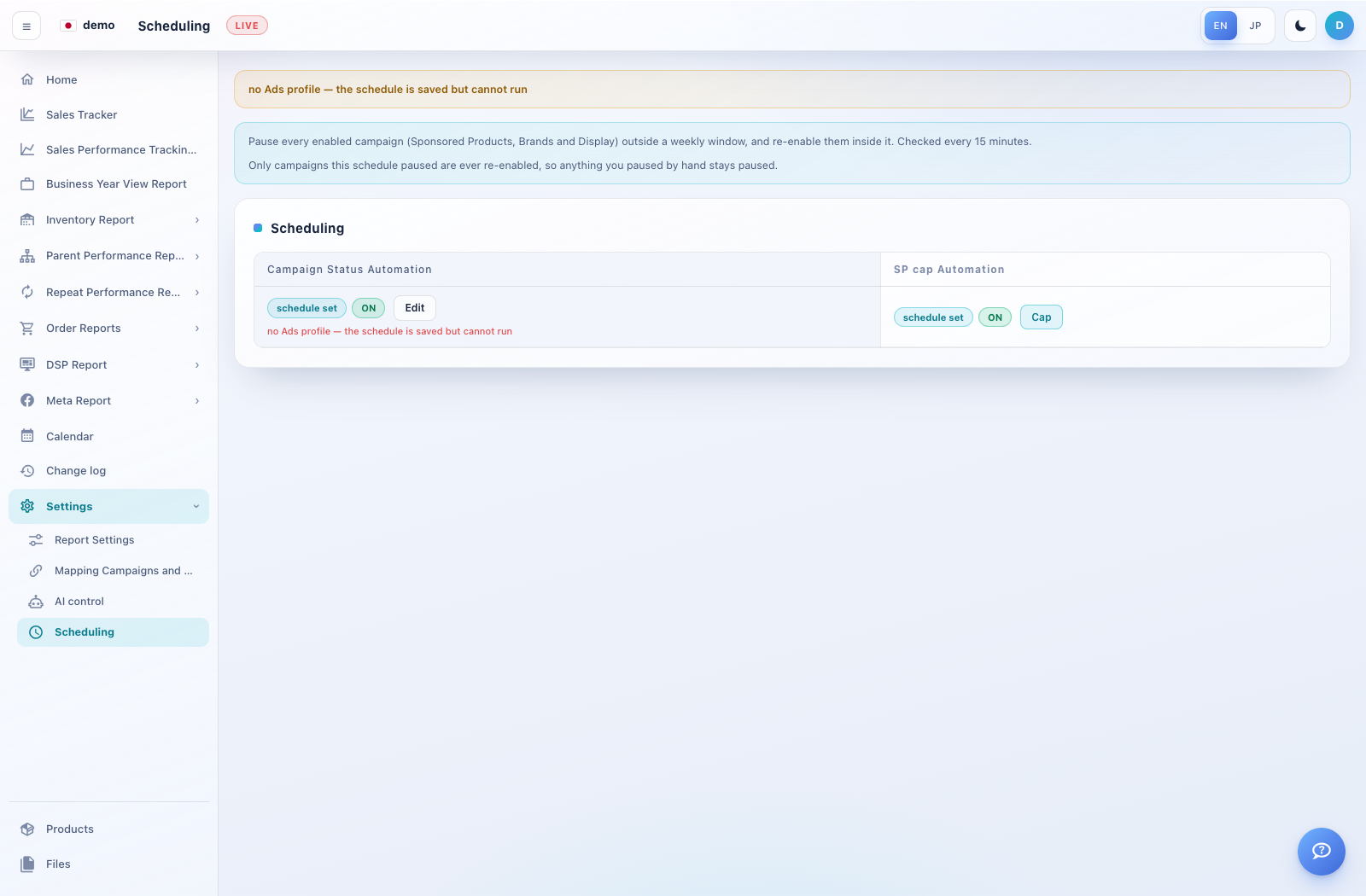
Expand Settings → Scheduling. Read the live status and connection warning.
Under Campaign Status Automation, review the enabled state and use Edit to inspect the weekly window.
The page describes pausing enabled SP/SB/SD campaigns outside the weekly window and re-enabling campaigns that this schedule paused. Campaigns paused by hand remain paused.
Review SP cap Automation using its Cap control where available. Confirm the affected campaigns, window and time zone before saving changes.