Customers & orders
Subscribe & Save purchase history
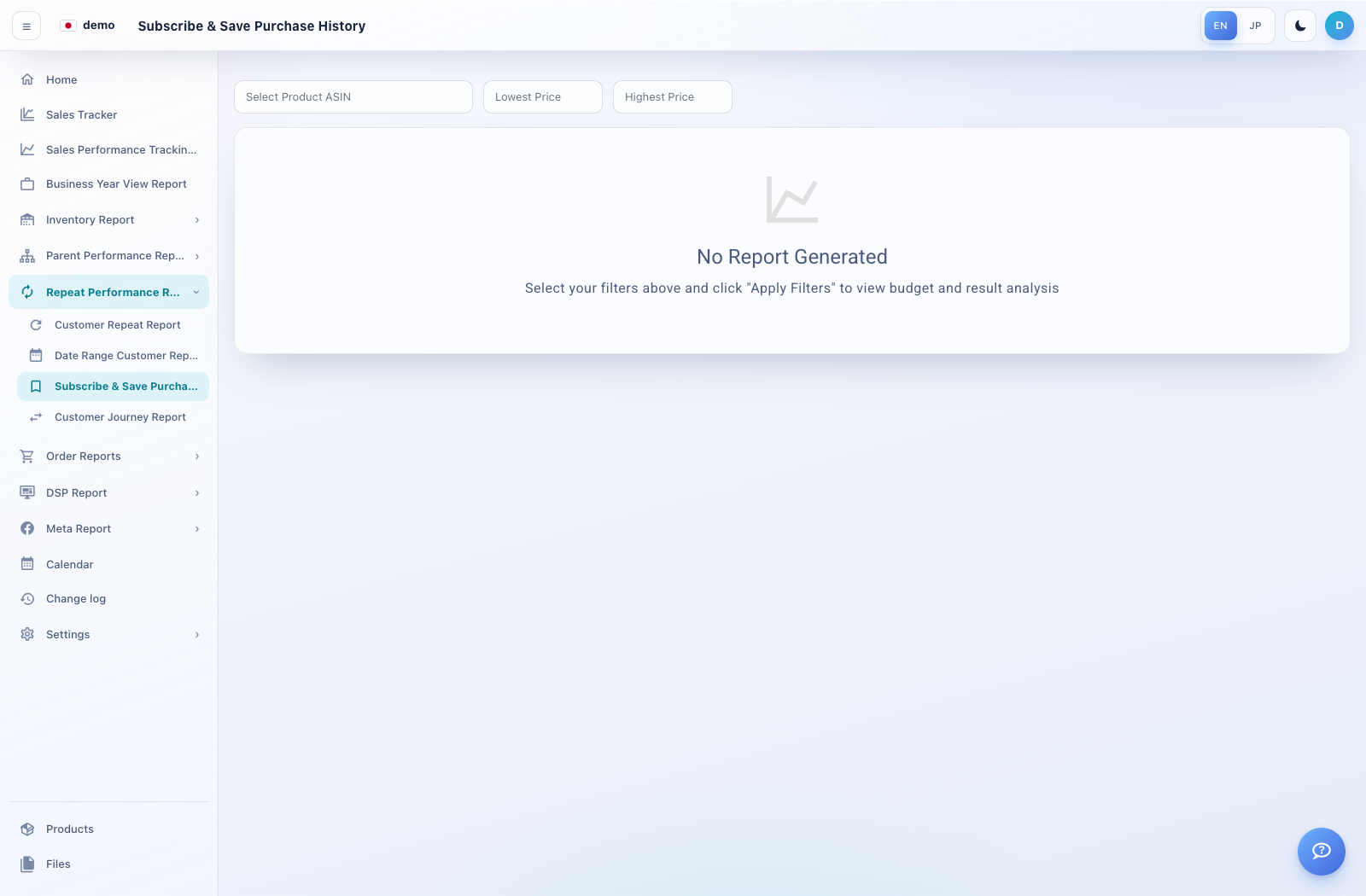
Open the purchase-history view for Subscribe & Save.
How to use this page
Expand Repeat Performance Reports → Subscribe & Save Purchase History.
If filter controls are available, choose the required period and products, then Apply Filters.
If No Report Generated remains visible, confirm source data and access with your administrator.