Products & data
Campaign and product mapping
Review which products each campaign advertises and confirm product-level attribution.
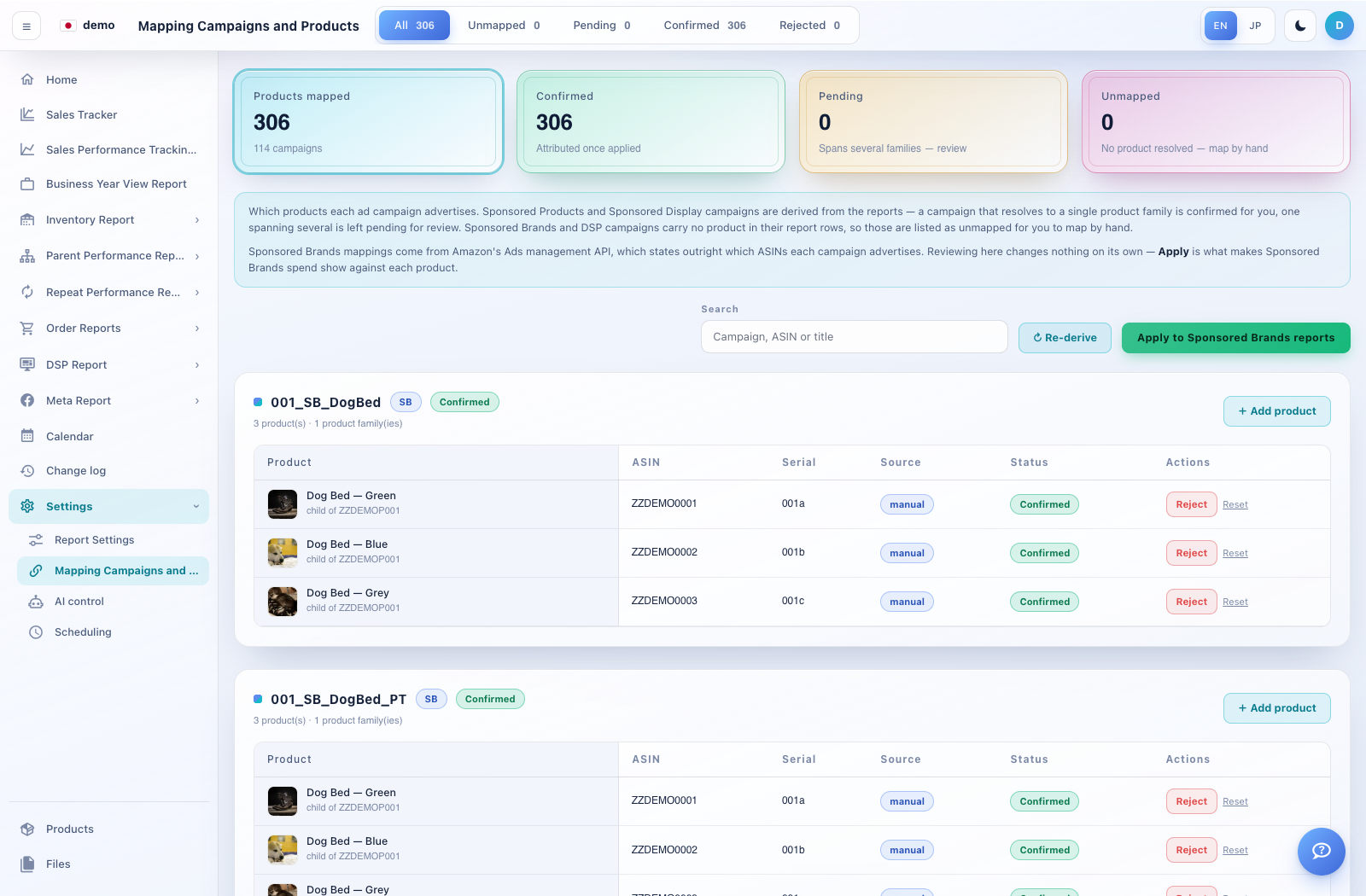
How to use this page
Expand Settings → Mapping Campaigns and Products. Use All, Unmapped, Pending, Confirmed or Rejected to narrow the list.
Search by campaign, ASIN or title. Inspect each mapping’s product, serial number, source and status.
Use Add product or the available review controls to correct a mapping. Re-derive rebuilds derived candidates; confirm its scope before running it.
For Sponsored Brands, reviewing a mapping alone does not update report attribution. Apply to Sponsored Brands reports is the separate action that applies those assignments.