Customers & orders
Customer journey
Review available customer paths for a parent product.
How to use this page
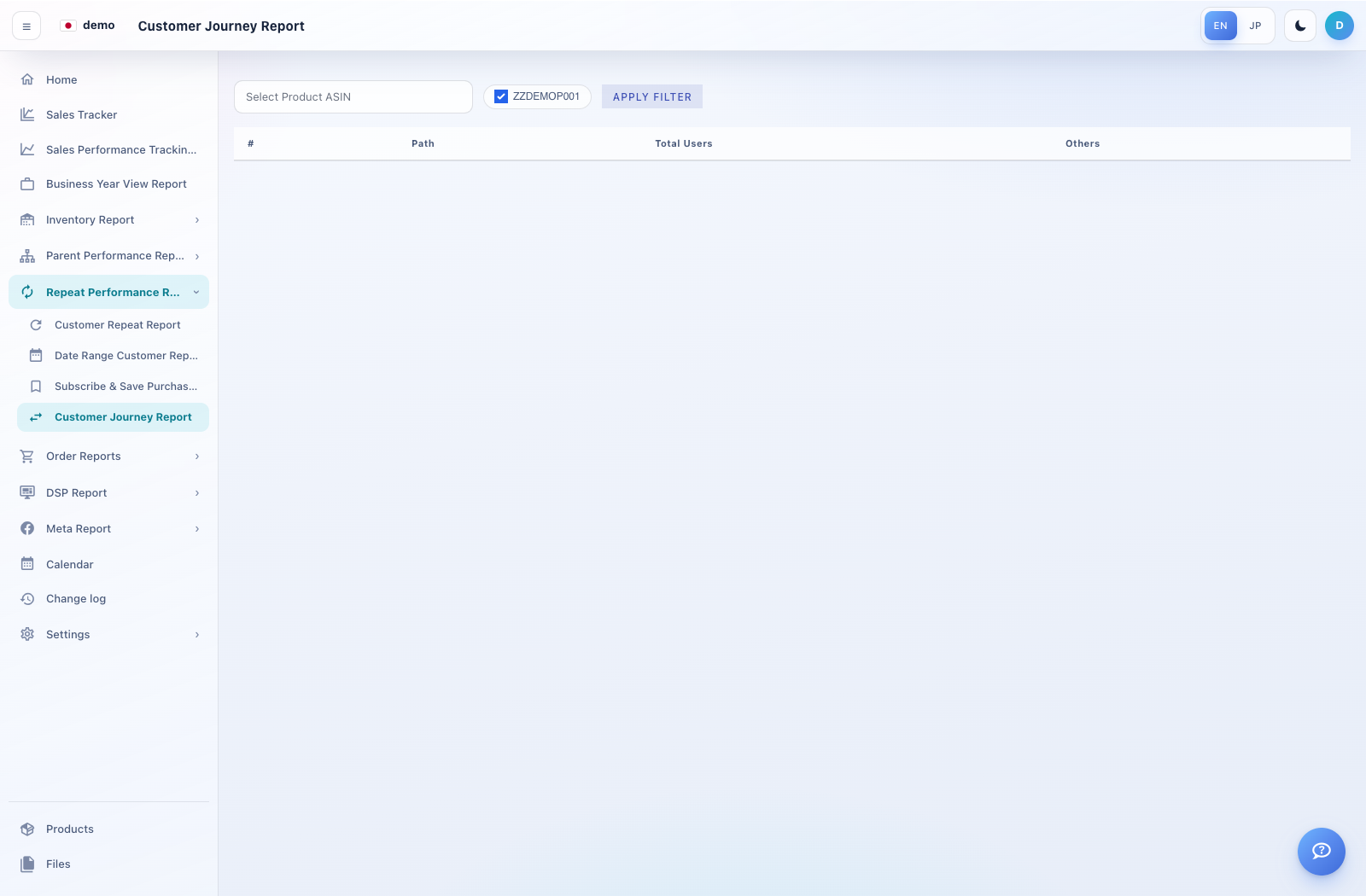
Expand Repeat Performance Reports → Customer Journey Report.
Choose a parent ASIN and select Apply Filter.
Read the Path and Total Users columns when rows are available. Confirm the selected product if the table is empty.