Inventory
Purchase orders
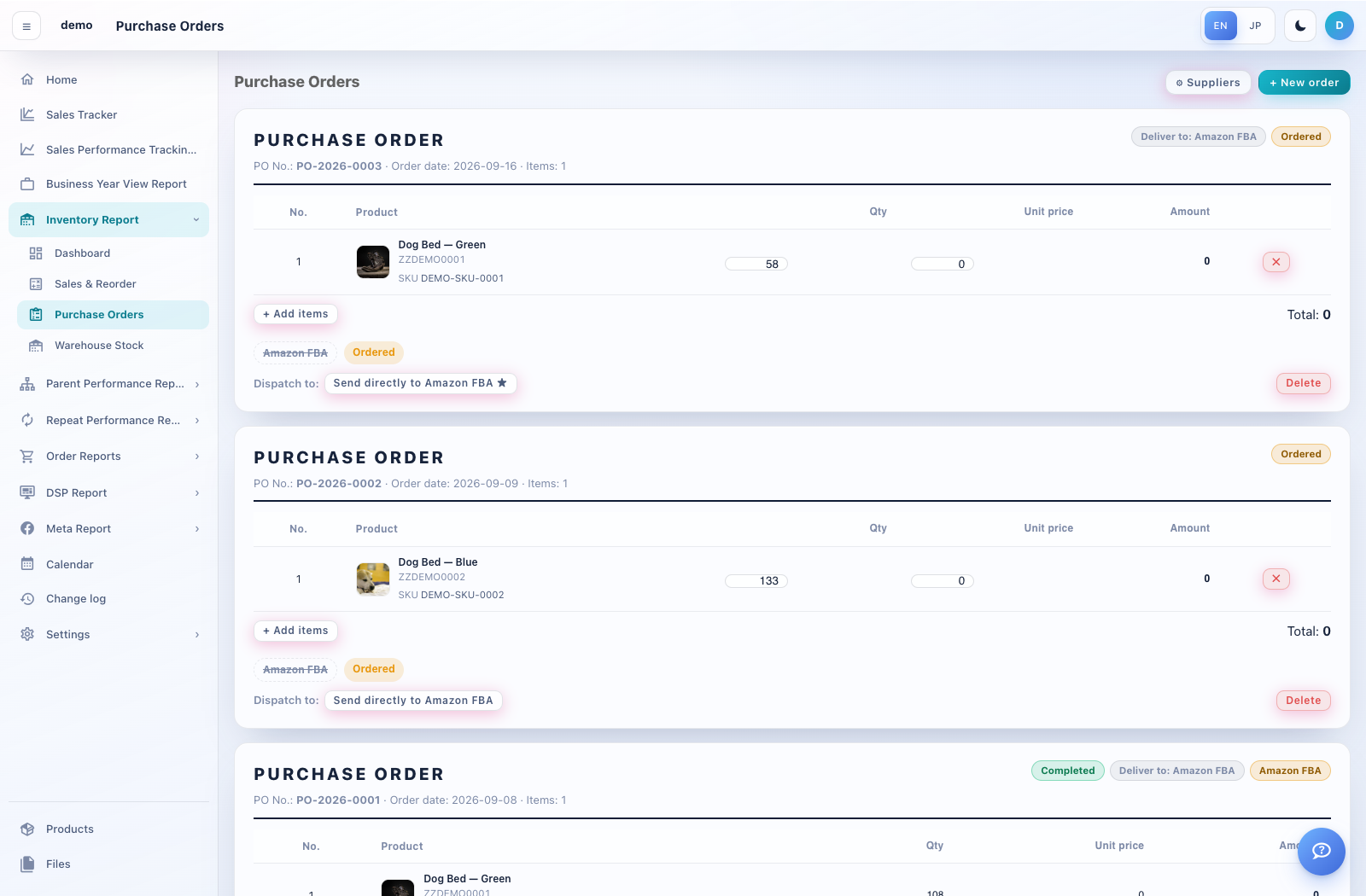
Purchase Orders records ordered items and their movement into stock locations.
How to use this page
Open Inventory Report → Purchase Orders. Use Suppliers to maintain supplier details when needed.
Choose New order. Select the supplier, order date and delivery destination. Add products, quantities and unit prices, and enter a memo if needed.
Review the order total and choose Create. Open an existing order to inspect its document and line items.
When goods move to the next stock location, use the order’s Move to controls and review the destination and quantities.
A moved order is locked. If Unlock to edit is available, read the confirmation carefully: subsequent quantity changes or deletions also change the associated warehouse stock.