Planning & automation
Calendar: budgets, events and proposed actions
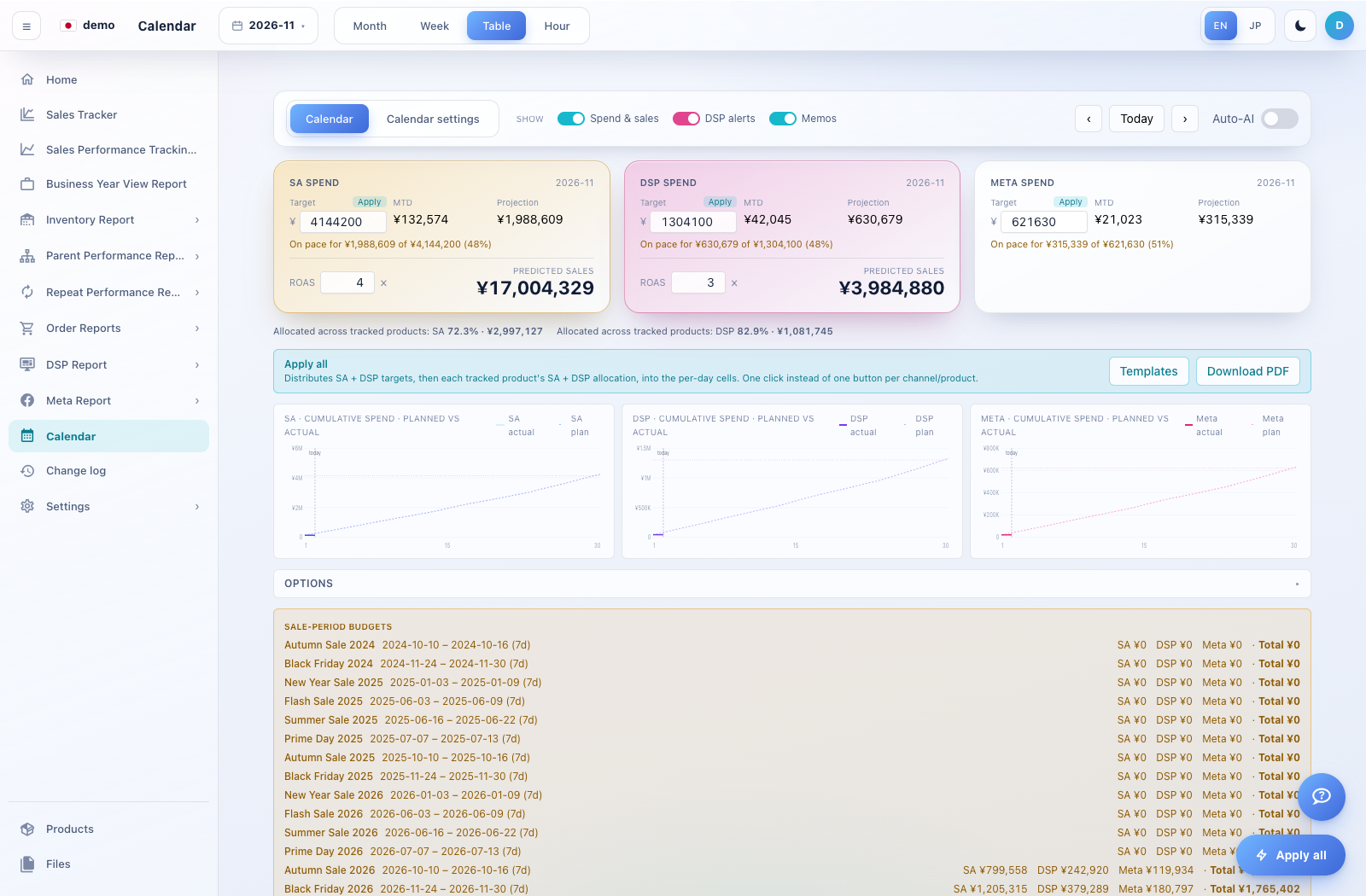
Calendar brings period plans and advertising activity into a dated view.
How to use this page
Open Calendar and select the month. Review budget lines, sale windows, memos and action chips that are available for the account.
Open a day or entry to inspect its details. Identify whether an item is a note, a proposal or an already applied change.
For a proposal, review the affected campaign/target, proposed value, evidence and rationale before using any approve/apply or dismiss control.
For budget or memo edits, confirm the date and product/channel scope before saving. Review applied results in Change log.