Products & data
Files: periods, imports and source data
Files is the company’s report-period and source-file area.
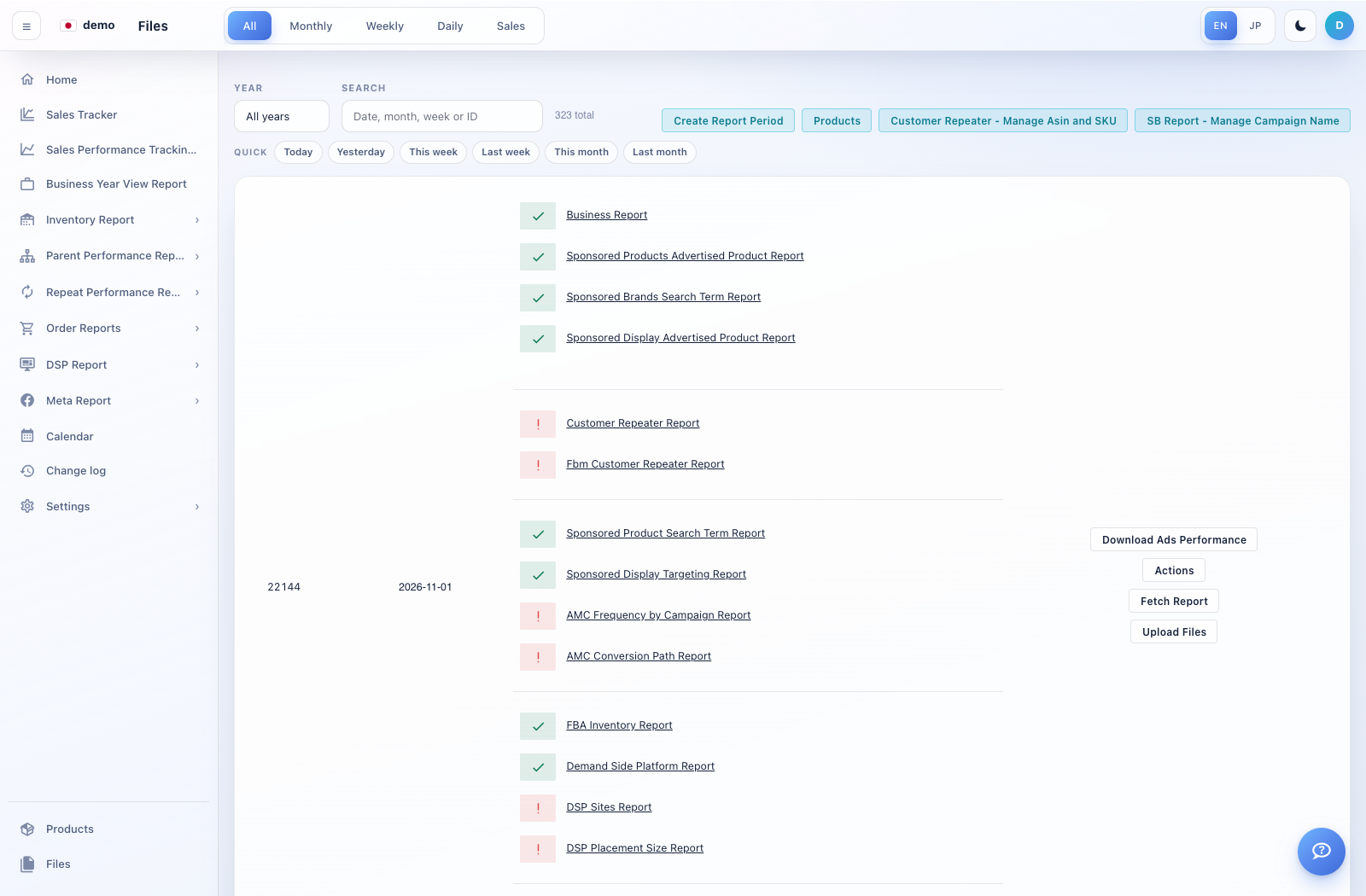
How to use this page
Open Files and use the daily/weekly/monthly or other period tabs and filters available.
Open the required period and inspect the files or source-data viewers offered for that period.
For an authorised manual import, choose the correct company, period and report type, then select the supported CSV/Excel file using the upload control.
Review any validation messages and processing status. Reopen the relevant report after processing completes.
If data is missing, confirm the source type and period first. Do not repeatedly upload a file without checking whether the earlier import completed.