Sales & performance
Group performance
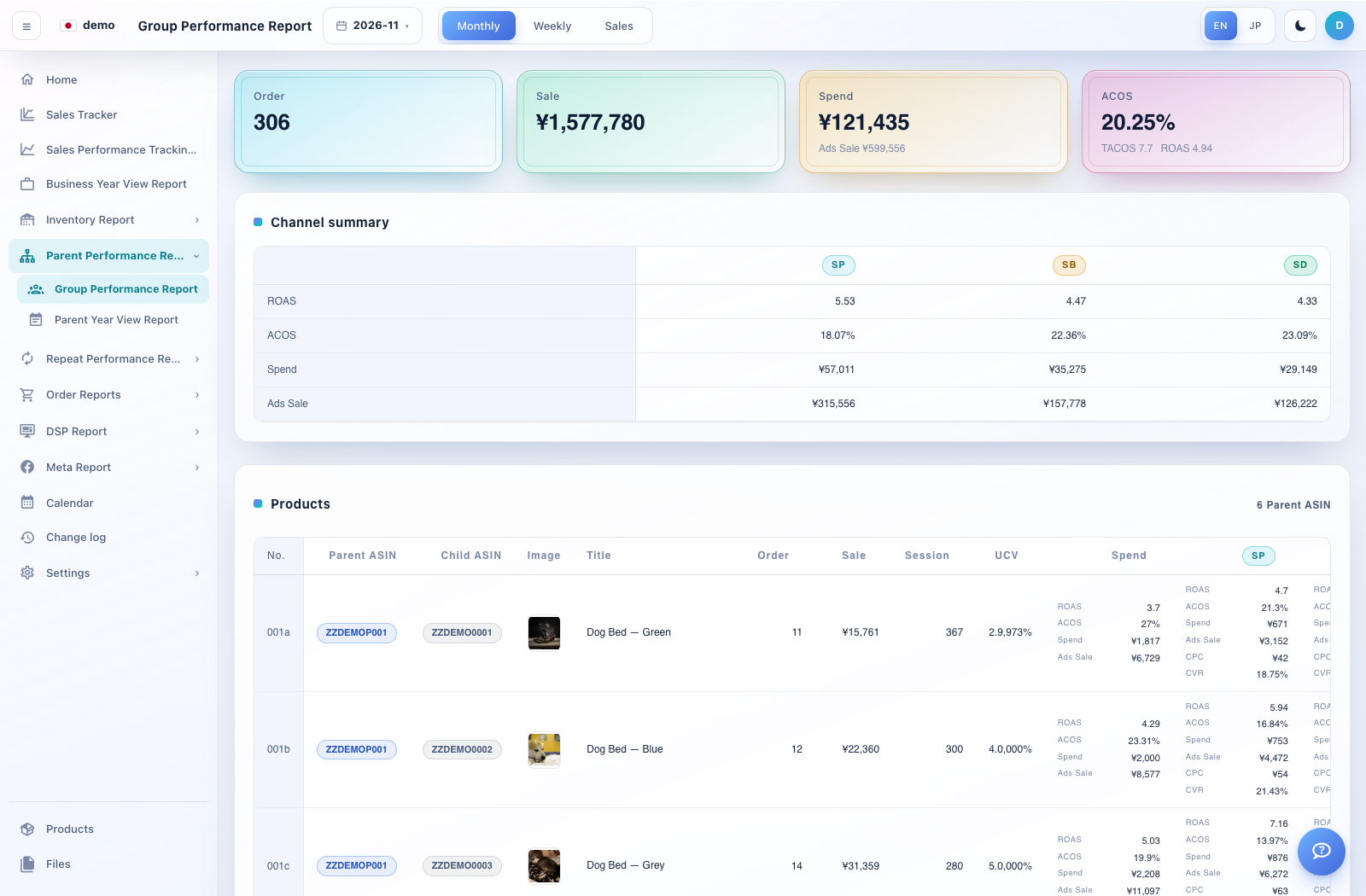
Compare parent product groups for a selected report period.
How to use this page
Expand Parent Performance Reports → Group Performance Report.
Select the report period using the available period controls.
Compare parent/group rows using sales, traffic and advertising efficiency. Scroll horizontally if the table extends beyond the screen.
Compare the same period and grouping in Sales Tracker, then inspect child products when a parent total needs explanation.