DSP, AMC & Meta
DSP creative performance
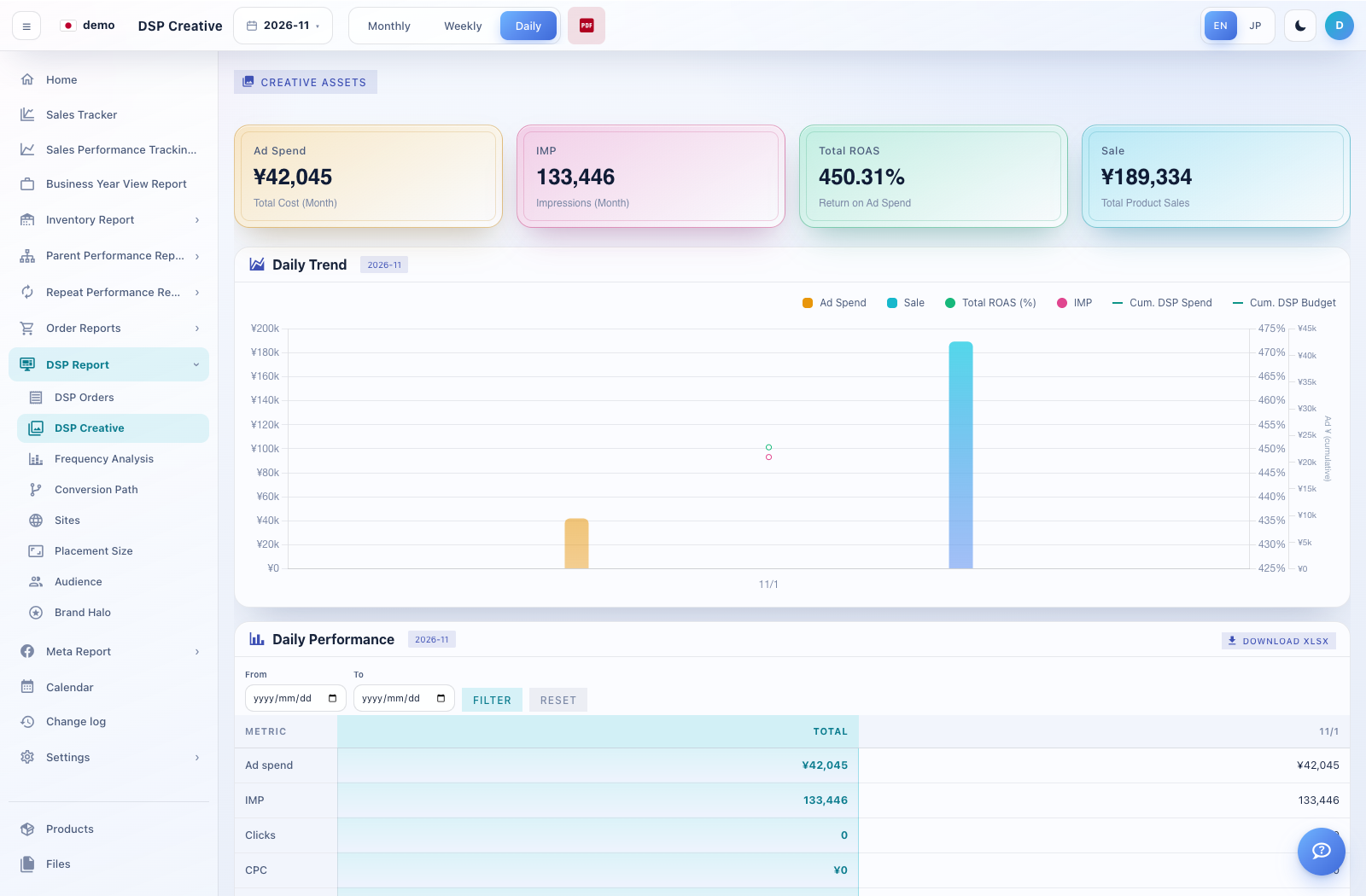
DSP Creative helps compare the images and creatives associated with DSP performance.
How to use this page
Open DSP Report → DSP Creative and choose the period.
Review the available creative/product groups, their images and performance columns. Expand details where the screen offers them.
Where Creative Assets is available, open it to review the mapping between a creative identifier and an image. Adding, editing or deleting a mapping changes the displayed asset association.
For a new mapping, select an available creative and provide an image URL or upload using the controls offered, then save. Use the PDF control when a printable report is needed.