Sales & performance
Parent year view
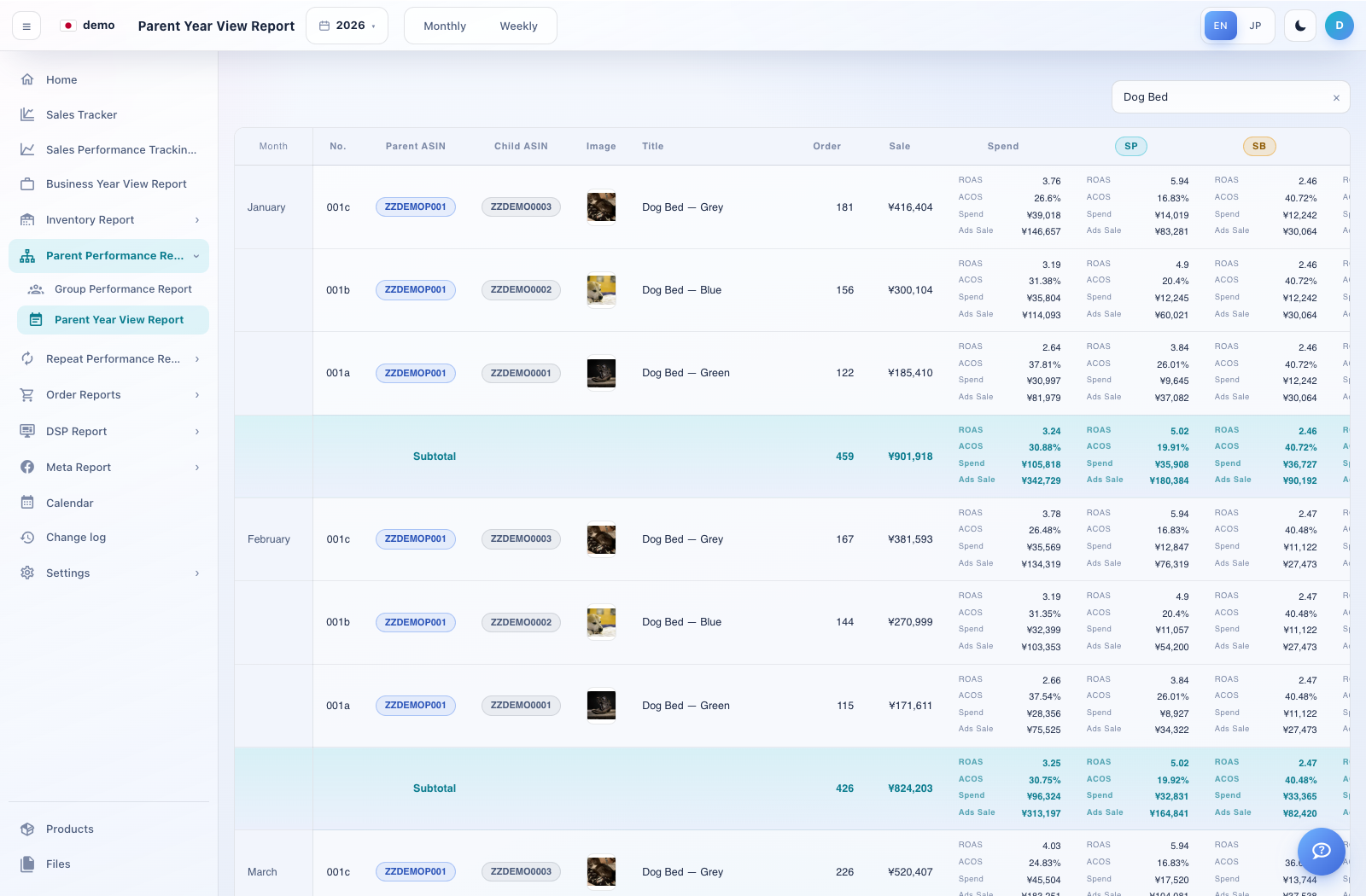
Review one parent product family across a year.
How to use this page
Expand Parent Performance Reports → Parent Year View Report.
Select the parent ASIN and year.
Compare the available monthly sales, order, traffic and advertising metrics for the same parent family.
Use the child-product view for variant-level detail. Check that the parent and period match before comparing totals.